When adding multi-page PDFs, select individual pages you’d like to add (for Image items, or Camera frame images)
Duplicate Markup items using ⌘D, Option - drag, or the new bottom actions button
Combined some common actions in the pop-up menus to nested menus, to keep the list smaller and easier to use
Hide / Lock / Opacity
Bring to front / Send to back
Cut/Copy/Duplicate/Delete
For easier access to locked items on a Diagram, right-click over them and select Unlock item from the pop-up menu
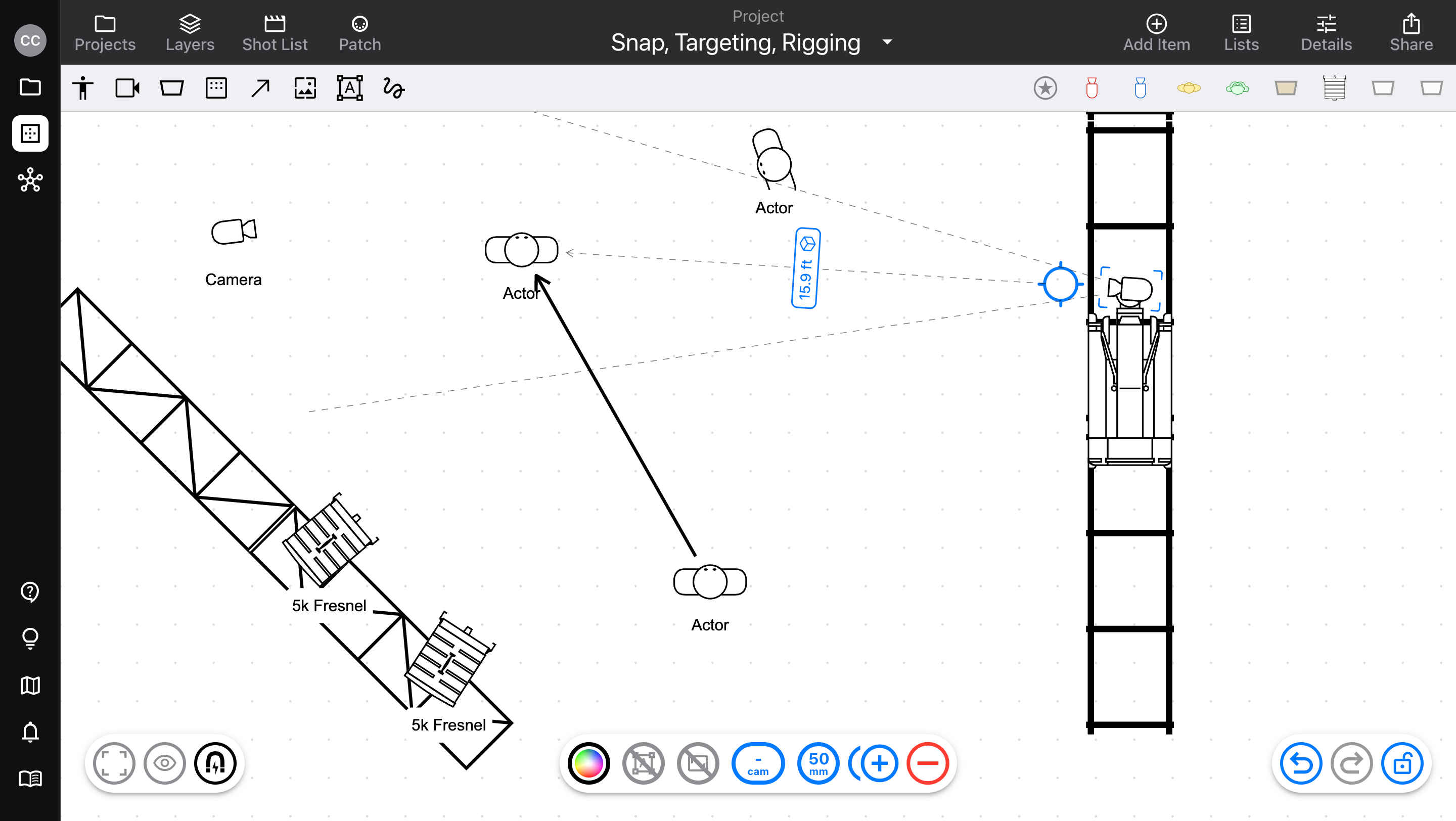
Visible action names for Targeting, Adding, Swapping, and more
Added a Refresh Symbol button for Cloud Library Fixtures, to fetch the latest version of the Diagram symbol
Note: this does not reflect whether or not there is a newer version; that will come in the future
Bug fixes
When swiping up to send the app to the background on a mobile device, returning could show a small selection marquee at the bottom of the Diagram editor
v3.6.1
Small bug fixes and improvements:
When a new Project was created, its first List couldn't be deleted
File size limit not applied to multi-page PDFs
Activity spinner when updating List view
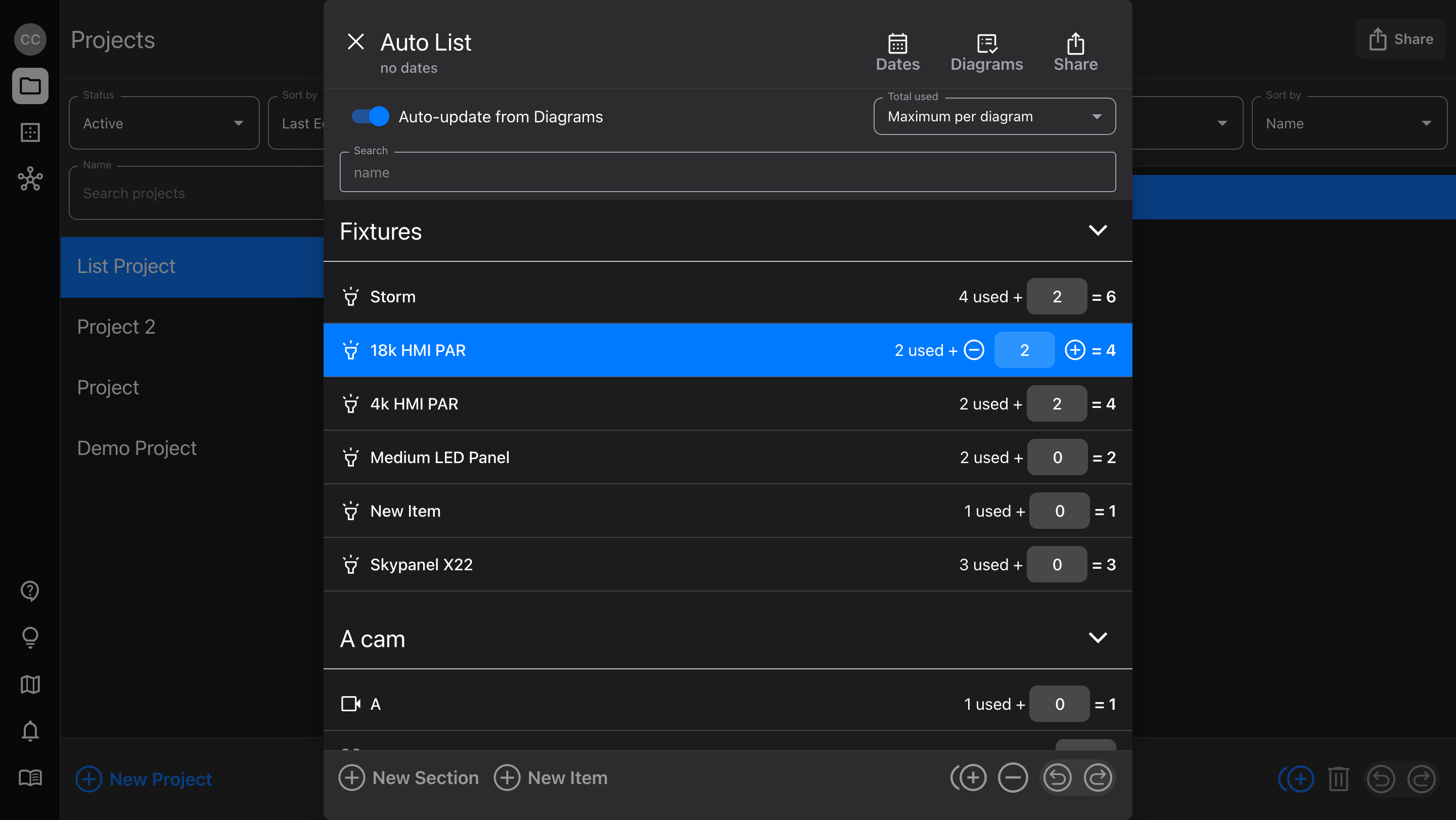
Fully updates List when Auto-update is toggled on, without re-opening the List editor
List PDF generator layout for portrait orientation