Changelog
Follow new updates and improvements to Scenario.
Contacts and calendar updates
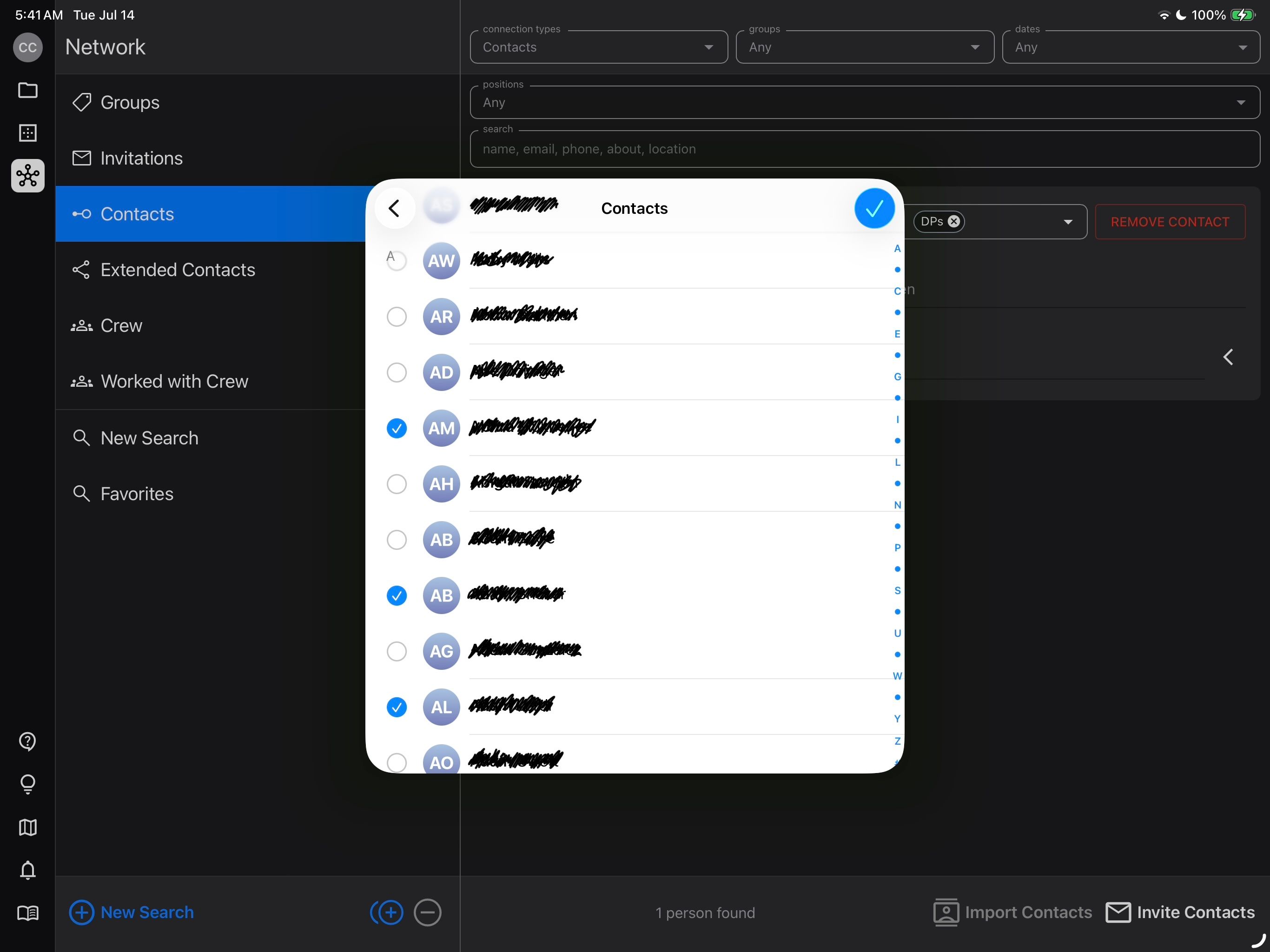
Contacts
Keep track of your professional network:
iCloud Calendar sync
Connect Scenario to your iCloud calendar to sync project dates
Bug fixes
Fixed an issue where the diagram editor could draw temporary patterns if left open for several hours
Fixed issue with text justify not working the first time it’s changed
Made the Markup eraser larger so it can remove accidental dots
Sync projects to Google Calendar, and new diagram features.
Released February 18, 2026
Availability: all devices, all accounts
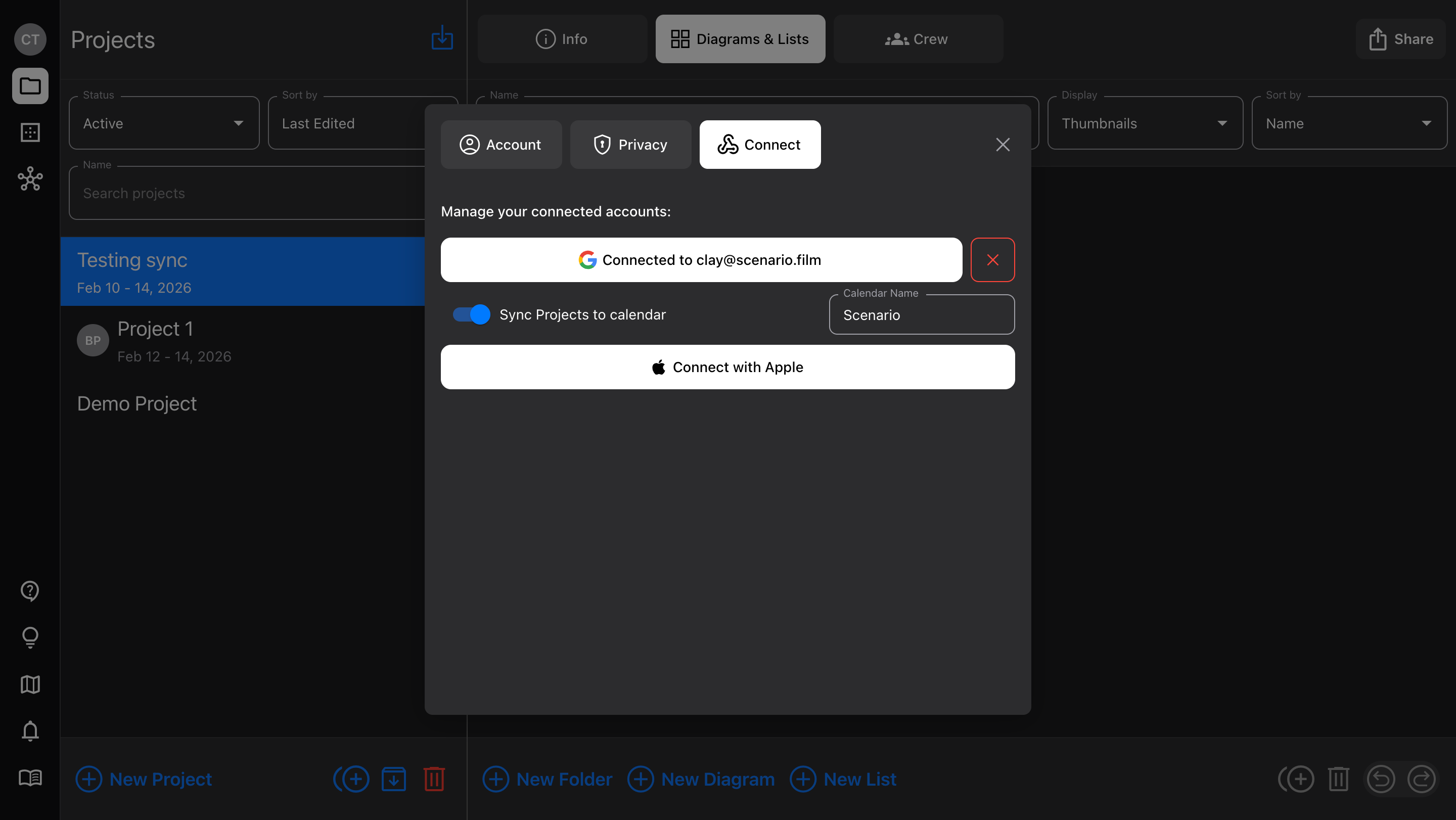
Google Calendar sync
We just added “Sign In with Google” to make account creation quicker; now, you can use that same Google account to sync Project dates.
In Account > Connect, toggle on the option to “Sync Projects to calendar”
Any Projects that have dates assigned will appear, but individual Projects can be toggled on/off at any time
Shared Projects sync too (each user sets their own calendar preference)
Diagram features
Curved walls - toggle Wall item control points between “corner” and “curve”
Flip items - for multi-selected items and Groups, mirror their arrangement (horizontally or vertically) with a button in the Details sidebar
Save to device Photos - when adding an Image item or Camera frame image, you can choose to take a photo directly in Scenario. Now, that photo is also added to your device’s camera roll.