Scenario v4.3
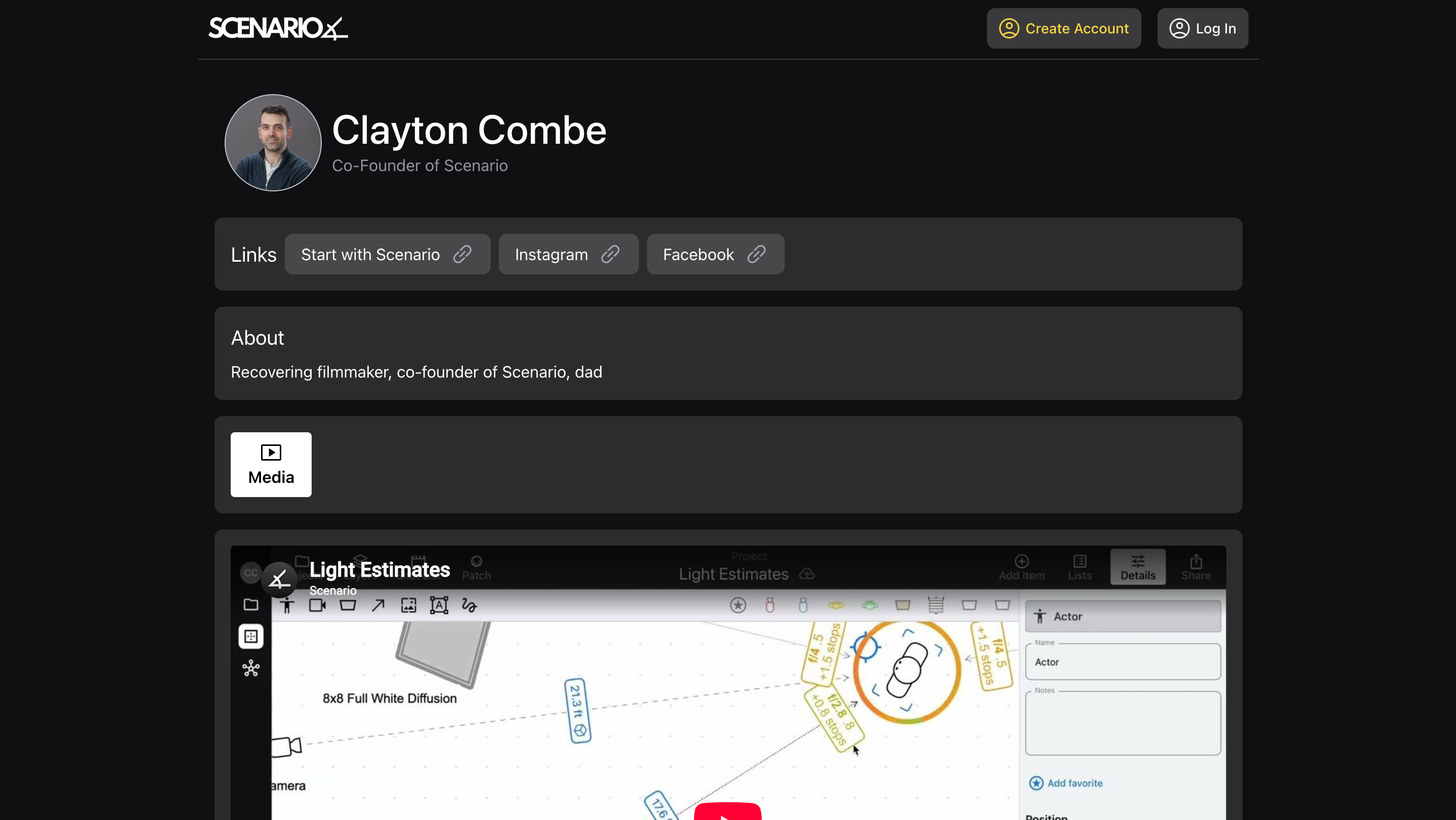
Configure your public profile, and build your network on the new Contacts page
Released September 23, 2026
Availability: all devices, all accounts
Public profile
Create the “home page” of your professional life, accessible to anyone with the link!
Set a profile image, headline, and “about me”
Choose a custom, unique URL for your profile (do it soon, so you get the one you want!)
Add links to your most important other sites
Add images and video, to showcase your work
Then, send your profile link to anyone. Put it on your website, in your Instagram profile, in your email signature – it’s a direct link to your work. And anyone can open it, not just Scenario users.
See My Profile for more info.
Contacts
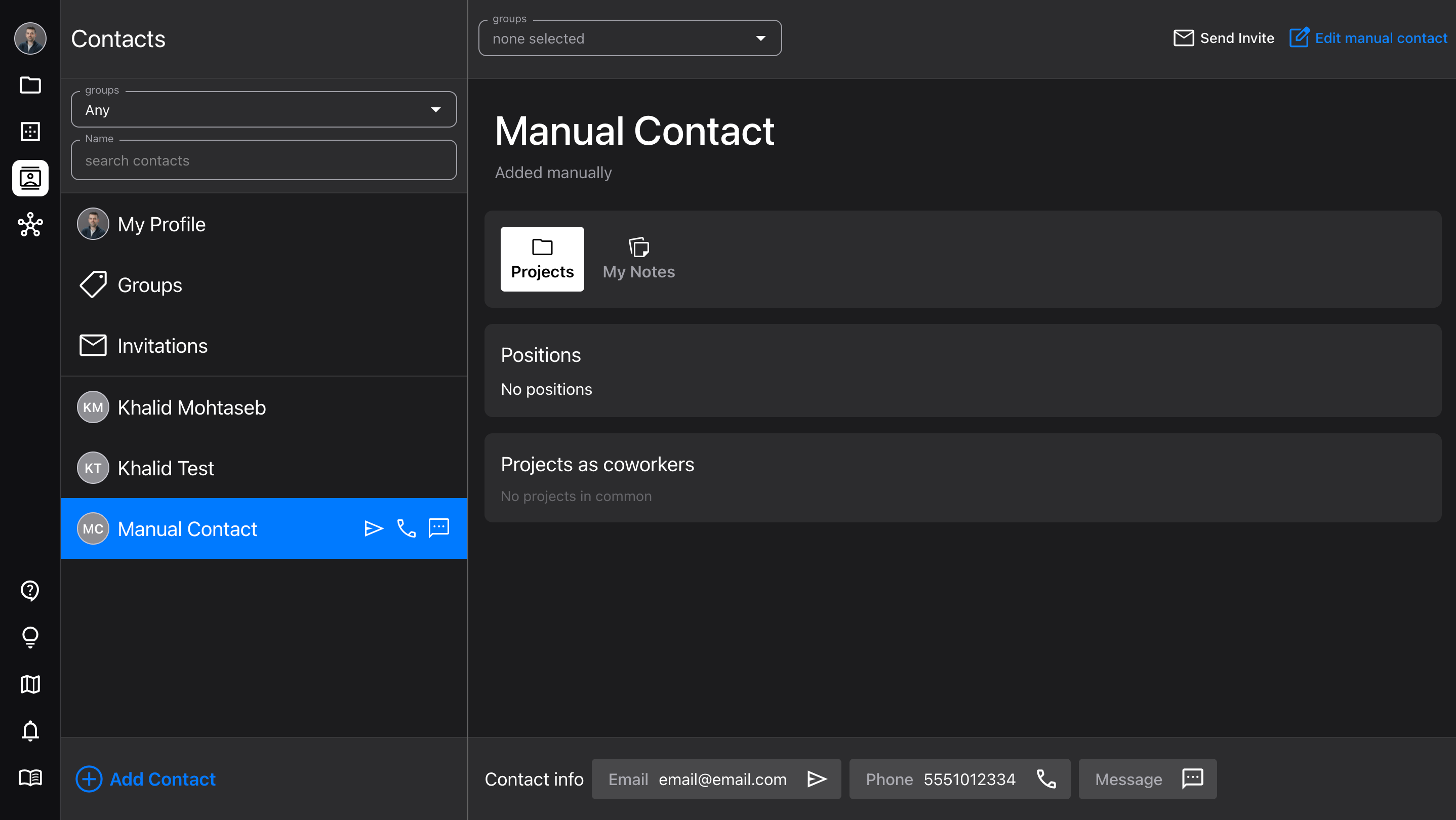
The new Contacts page is a quick way to access all your close colleagues, and build your professional network.
Add new contacts by importing, searching, or manually
Manage, assign, and filter by Groups
View your contacts’ profiles and contact info (makes it easy to send them a quick message)
Add your own notes for each contact
Don’t worry, the Network page is still there for more complex searches!
See Network & Contacts for more info.
Improvements
Updated the Diagram Details and Visibility sidebars, to make it clear what the two different distance/length settings do
New saving logic to prevent losing text edits when sending the app to the background